

5 Key Features of the Most Popular Control Panels for Hosting and Development

Why Use a Control Panel? Picking the right web hosting control panel can make or break your workflow. Whether you are managing sites, databases, or boosting security and automation, the right panel saves time and effort. In this blog, we will break down the top 5 control panels – CloudPanel, Hestia, DirectAdmin, Plesk, and cPanel … Read more

cPanel vs Plesk: Choosing the Best Server Management Control Panel

Last updated: July 2026 cPanel and Plesk are the two leading web hosting control panels, and the short answer is this: choose cPanel if you run Linux-only servers and want the most widely supported, hosting-industry-standard panel; choose Plesk if you need Windows support or manage WordPress sites at scale. cPanel runs only on Linux, while … Read more

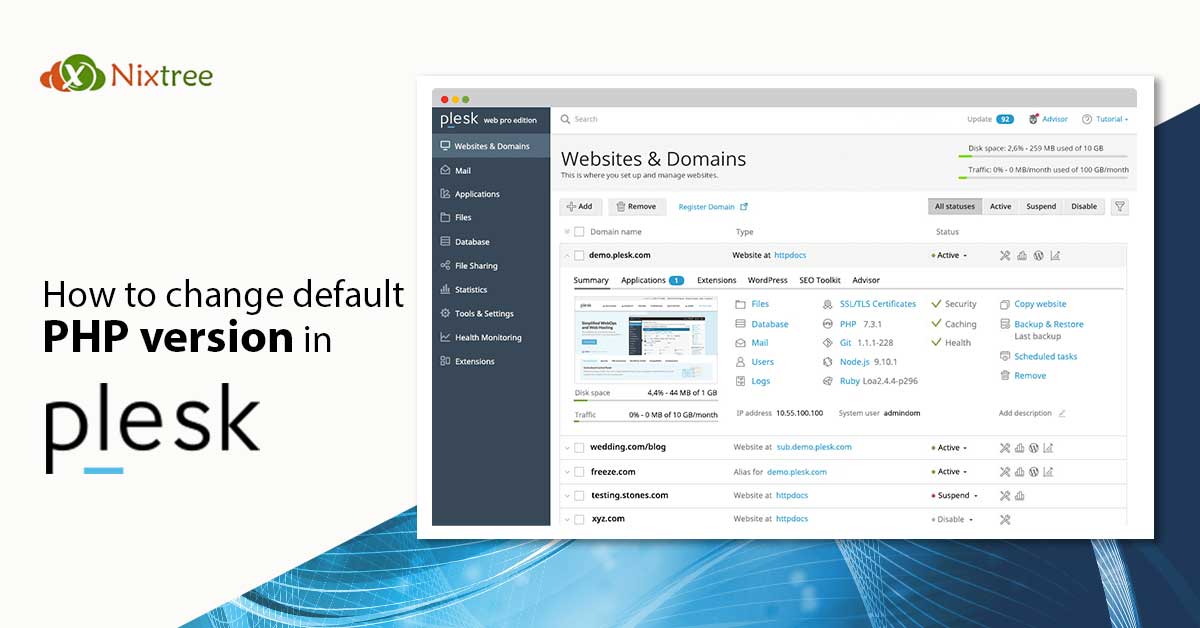
How to change default PHP version in plesk

How to change default PHP version in Plesk

In this article, we will see how we can change the default PHP version in plesk. The latest plesk versions come with all the php versions installed (we have the option to install all the php versions). So, there is no need to install a separate PHP in the server for setting the default PHP … Read more

MagicSpam Extension Installation fails in Plesk 17

Recently we faced the below error while trying to install MagicSpam free version via plesk interface and got installed via command line using the rpm from the plesk download section. Since the plesk download section had too old version and plesk was showing an upgrade option and free version was not working (which I installed from rpm available at plesk )

Error while trying to install / upgrade from plesk interface is the below 
Failed
 Installation of extension has failed
 
 Execution of /usr/local/psa/tmp/modulehfmXQh/plib/scripts/pre-install.php failed with exit code 1 and the output:
 Failed to find operating system package manager rpm or dpkg.
 Contact [email protected] with full details of your installation for assistance.

Normal rpm installation and yum install was working fine.
Read more

Generate CSR and Private Key in Plesk

Certificate Signing Request ( CSR ) is a message sent from an applicant to a Certificate Authority in order to apply for a digital identity certificate.

Before creating a CSR, the applicant first generates a key pair, keeping the private key secret. The CSR contains information identifying the applicant (such as a distinguished name in the case of an X.509 certificate) which must be signed using the applicant’s private key. The CSR also contains the public key chosen by the applicant. The CSR may be accompanied by other credentials or proofs of identity required by the certificate authority, and the certificate authority may contact the applicant for further information.

Read more

cPanel to Plesk – How to Migrate a hosting account ?

cPanel to Plesk Migration

Migration from cPanel to Plesk Plesk and cPanel have different business models and features, requiring the conversion of migrated objects during deployment on the destination server. I am referring the way to migrate a cPanel hosting account to Plesk For example: Parked domains in  cPanel converts to domain aliases in Plesk. Some objects and settings will not … Read more

Getting nginx disabled message while trying to start nginx service in plesk.

Sometimes we get the following error message, even if nginx is enabled in plesk. [root@server ~]# /etc/init.d/nginx start Not starting nginx as it is disabled in config You can confirm the nginx service is enabled in the server using the following commands. [root@server ~]# /usr/local/psa/admin/sbin/nginxmng -s Enabled [root@server ~]# chkconfig –list | grep nginx nginx … Read more

Multiple Versions of PHP in plesk

  By default, in latest version of plesk we will have 5.4 version of php. So if you need additional php version, you can install seperatly and those additional  version will be available in fastcgi and cgi handlers. Installtion Steps for php 5.2.17 version # cd /usr/local/src # wget http://museum.php.net/php5/php-5.2.17.tar.gz # tar -zxvf php-5.2.17.tar.gz # cd … Read more