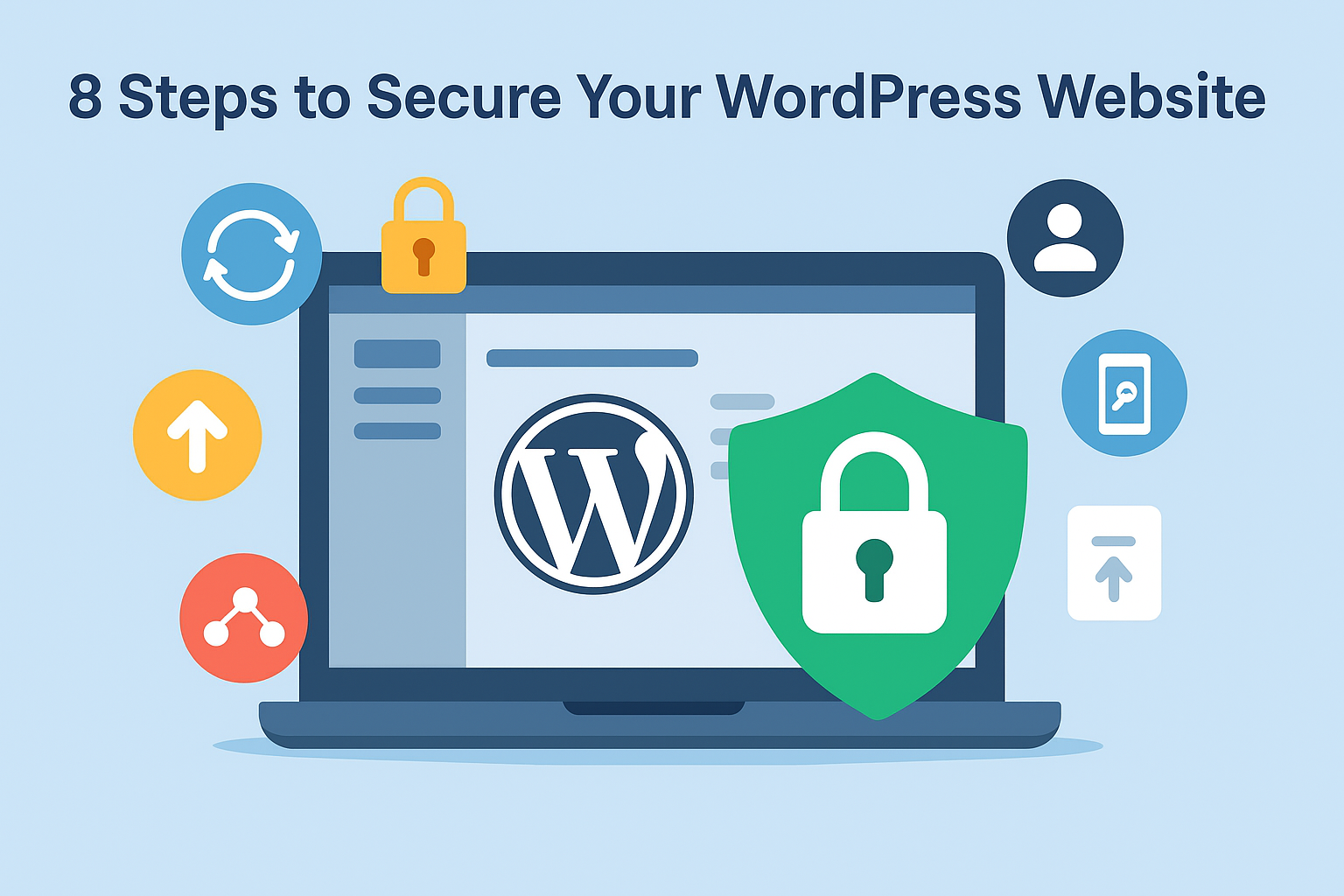
Secure Your WordPress Website: Steps to Keep Your Site Safe

Running a WordPress website is one of the easiest ways to build your online presence. However, with WordPress powering over 43% of websites in 2025, it has also become a primary target for hackers. Security experts report that WordPress sites are attacked every few minutes. That’s why WordPress security should be a top priority for … Read more

Top 7 Best WordPress Caching Plugins

      If you run a WordPress site, excessive load times will adversely affect your website, limit traffic, and reduce your Google search rank. Once you’ve enjoyed the performance of your website and suddenly it did not load as soon as it did. After all, the Internet is getting speeder day by day. There … Read more

How to harden wordpress

[huge_it_share]Almost 75% of websites and blogs are built in wordpress which is the mostly used CMS(Content Management System) . But unfortunately websites that use wordpress are mostly prone to attacks and vulnerabilities .So lets see how we can harden wordpress to resist the attacks .

As we know wordpress is a free tool .So anyone can try installing it .The same thing is the reason for most of the wordpress attack since anyone can install it everyone know the basic settings that we are going to use in our wordpress including the hackers .This is one of the main reasons hackers get into the because they know the default settings we are going to use .So one main thing we should do is change everything as possible from default settings in wordpress .Here I will be pointing some of the main things you can do to protect your wordpress sites .

Read more

Error: Failed to create temporary file

Issue ====== The apache error log shows [Wed Oct 28 23:49:30 2015] [error] [client xx.xx.xxx.xxx] ModSecurity: Input filter: Failed to create temporary file: /root/tmp/20151028-234930-VjGXSkAWQiQAA@W7VAsAAAAD-request_body-nKiZdT [hostname “www.xxxx.com”] [uri “/wp-admin/admin.php”] [unique_id “VjGXSkAWQiQAA@W7VAsAAAAD”] The issue is because the modsecurity has no access on /root/tmp directory. So while accessing /root/tmp it will show the error “Failed to create temporary … Read more

Product images not working and giving “Warning: Creating default object from empty value” Error

Last day there was an issue for a wordpress installation. None of the product images are not working and if we take the image directly in the browser, we can see the below errors

==================
Warning: Creating default object from empty value in /home/wp-user/public_html/wp-content/plugins/shopp/core/model/Asset.php on line 123

Warning: Cannot modify header information – headers already sent by (output started at /home/wp-user/public_html/wp-content/plugins/shopp/core/model/Asset.php:123) in /home/wp-user/public_html/wp-content/plugins/shopp/core/model/Asset.php on line 199

Warning: Cannot modify header information – headers already sent by (output started at /home/wp-user/public_html/wp-content/plugins/shopp/core/model/Asset.php:123) in /home/wp-user/public_html/wp-content/plugins/shopp/core/model/Asset.php on line 200

Read more

Blocking Maliciuos bots from accessing your website

It is always a nuisance when unnecessary bots start hitting your website. It can increase CPU load on your server and may cause MySQL overhead as well, if your website driven by any database. Though the bot access says to be controlled using robots.txt files, most malicious bots do not honor rules defined in robots.txt file. The most reputed … Read more

WordPress – Some quick notes!

What is WordPress?

WordPress is a well known PHP based CMS with MySQL back-end, mostly used to build blogs. In addition to develop blogs, WordPress is commonly used to develop websites as well. Even though the WordPress is build as a blog software, it is very flexible and we can develop beautiful websites with it. There are millions of WordPress powered websites run in Internet now. It built in plug-in architecture and a template system.

Features

1. Customization :- As WordPress is built and operates based on a template system, it provides lots of opening to customize your web pages.

2. Dashboard :- The dashboard of WordPress is quiet nice and very user friendly. Among the other CMSes available in the market, it is very simple but powerful and can be managed even by a newbie easily.

3. Themes :- We can easily switch WordPress themes. There are thousands of themes available in the market; both free and paid versions. As it is a very popular application, your search for good theme will end up in a good result.

4. Plugins :- Plugin support is another big advantage of WordPress. You can find almost all types of your plugin needs with WordPress. Due to its wide range of user-base, plugin development and maintenance is very active in the community.

Read more