
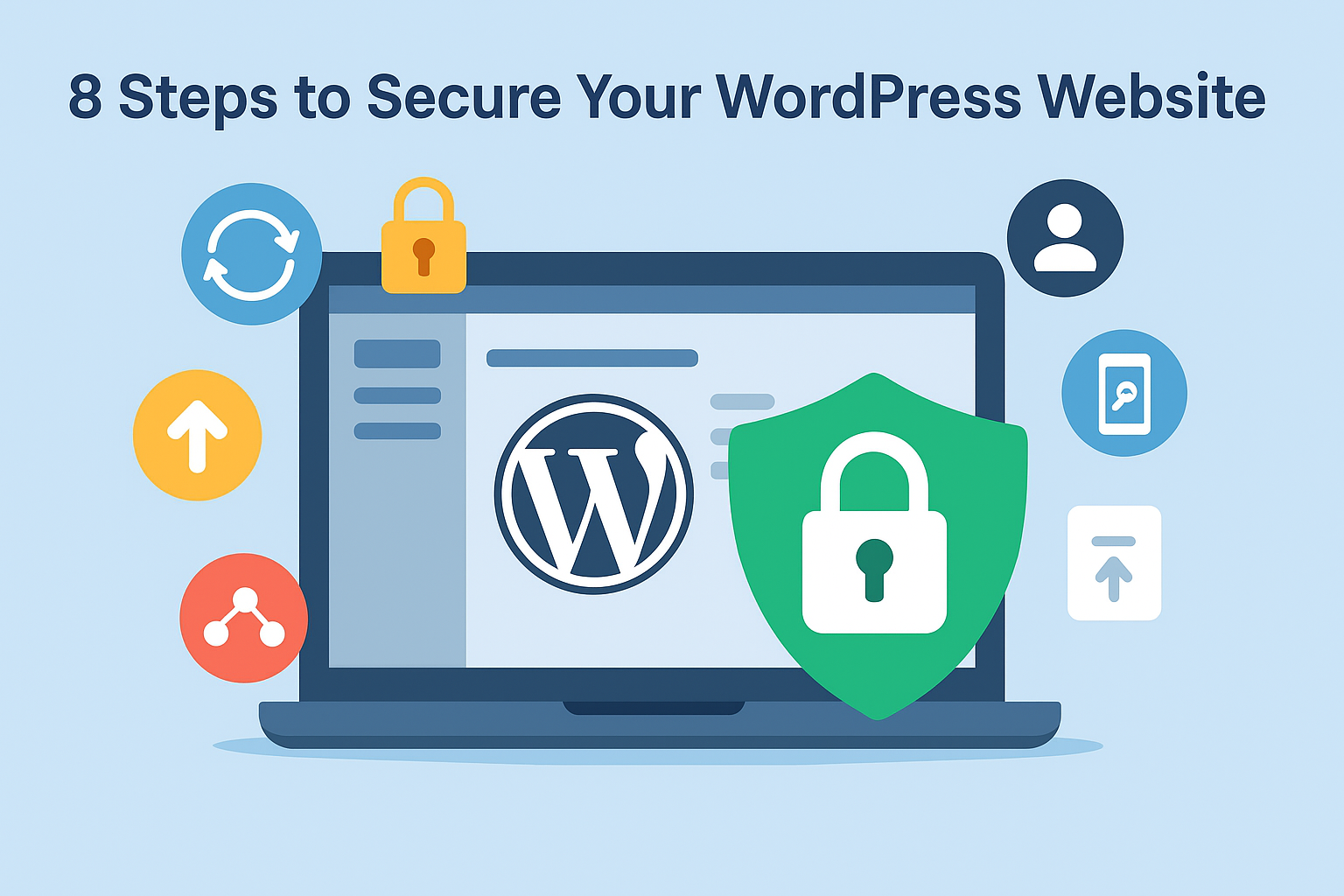
Secure Your WordPress Website: Steps to Keep Your Site Safe
Running a WordPress website is one of the easiest ways to build your online presence. However, with WordPress powering over 43% of websites in 2025, it has also become a primary target for hackers. Security experts report that WordPress sites are attacked every few minutes. That’s why WordPress security should be a top priority for every site owner.
The good news? Securing your website doesn’t have to be complicated or expensive. By following a few smart practices and using the right tools, you can keep your website safe, reliable, and trusted by your visitors.

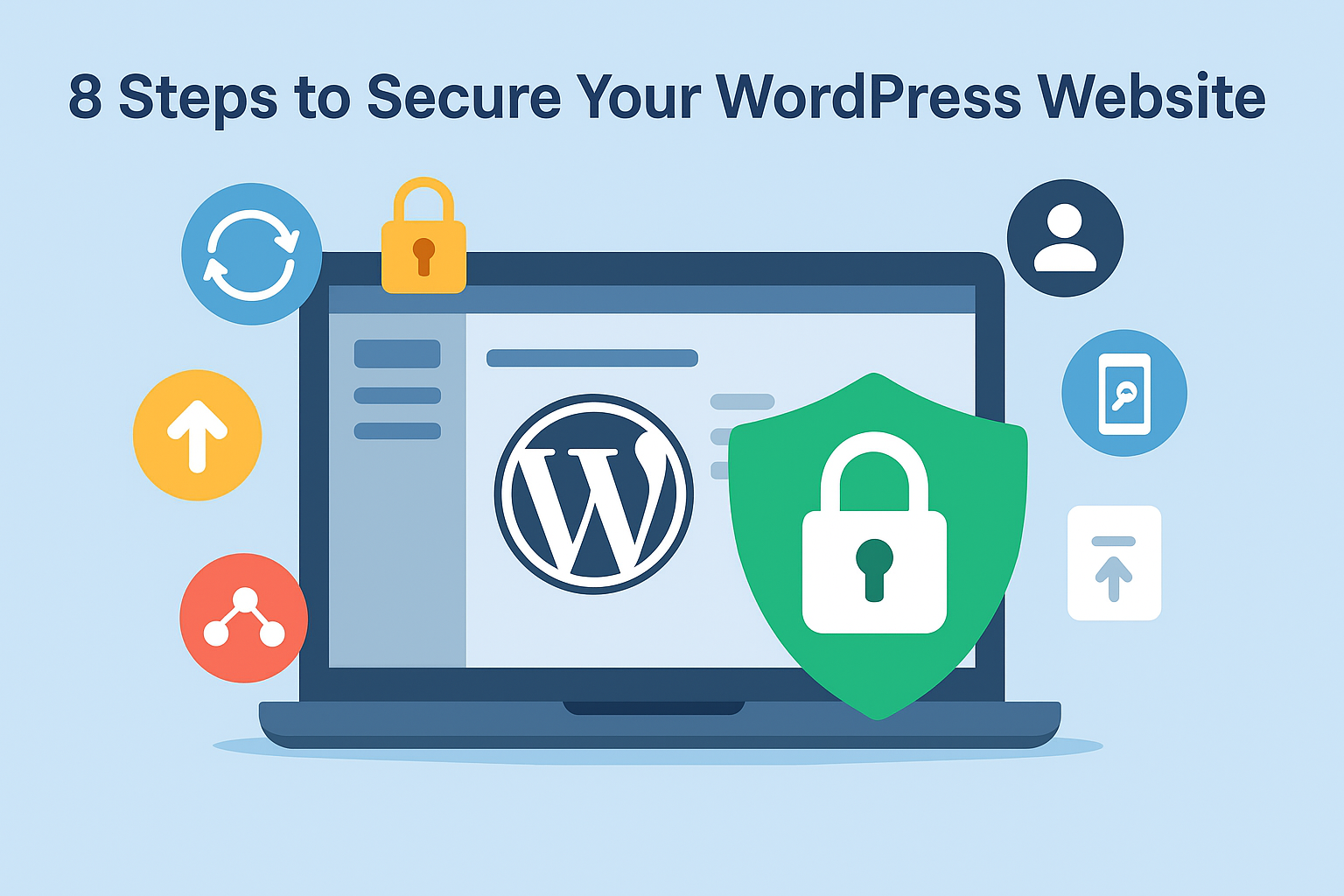
1. Keep Everything Updated
WordPress regularly releases updates for its core system, plugins, and themes. These updates fix security vulnerabilities. Running outdated versions is like leaving the door open for hackers.
Learn more about updates: WordPress Updations
2. Use Strong Passwords and Enable Two-Factor Authentication (2FA)
Weak passwords are an easy entry point for hackers.
- Use strong, unique passwords for every user account.
- Enable 2FA to require a second step during login.
3. Secure Your Login Page
The default login page (wp-admin, wp-login.php) is the first thing attackers look for.
- Change the login URL using a plugin.
- Limit login attempts so hackers can’t brute-force their way in.
4.Security Tools and Plugins
Install a Security Plugin
Popular options include:
Wordfence
Sucuri Security
iThemes Security
These plugins help by:
Blocking malicious traffic using a Web Application Firewall (WAF).
Scanning for malware.
Preventing brute-force attacks.
For a detailed comparison of security plugins, check out WordPress security plugins
5. Backup and Recovery
Regular backups are essential because if something goes wrong, you can restore your site in minutes instead of starting from scratch.
- Use plugins like UpdraftPlus or Jetpack to automate daily or weekly backups.
Learn more about backup plugins:WordPress backup plugins
6.Install SSL/TLS Certificate
An SSL certificate ensures data between your website and users is encrypted.
- Make sure your site URL shows https://
- Most hosting providers offer free SSL certificates.
7.Advanced Security Measures
For those ready to go further, here are a few expert tips:
Disable file editing in the WordPress dashboard so hackers can’t modify theme or plugin files.
Secure wp-config.php, which contains your database credentials. Restrict access using .htaccess rules or file permissions.
Block hotlinking to prevent others from stealing your images and bandwidth.
Monitor user activity to track logins and changes made by different accounts.
8.Simplifying Security with cPanel WP Toolkit
If your site is hosted on cPanel, you can make security even easier. The WP Toolkit includes a Security Measures section that lets you:
Enforce strong passwords
Disable file editing
Apply automatic updates
Run recommended security hardening options
9. Financial and Reputational Impact of Security Breaches
A security breach can cost more than just downtime:
Financial losses from stolen data, ransomware, or e-commerce fraud.
Reputational damage if customer data is compromised.
SEO penalties if your site is blacklisted for malware.
Investing in WordPress security protects not just your website, but your revenue and reputation.
Conclusion
WordPress security is not only for big companies—it’s for everyone. Hackers don’t care if your site is small or large; they look for weak spots. By keeping your site updated, using strong passwords, installing a firewall, and backing up regularly, you protect both your business and your reputation
At Nixtree Solutions LLP, we understand the critical role that server management plays in your business. Our dedicated team is committed to providing top-tier server management services that ensure uptime, performance, security, and peace of mind.
Stay tuned for more insights and tips on optimizing your server infrastructure and enhancing your online presence.
Protect your site today—Contact Nixtree Solutions for expert server management