
Common HTTP error codes and how to fix them
Understanding Common HTTP Error Codes
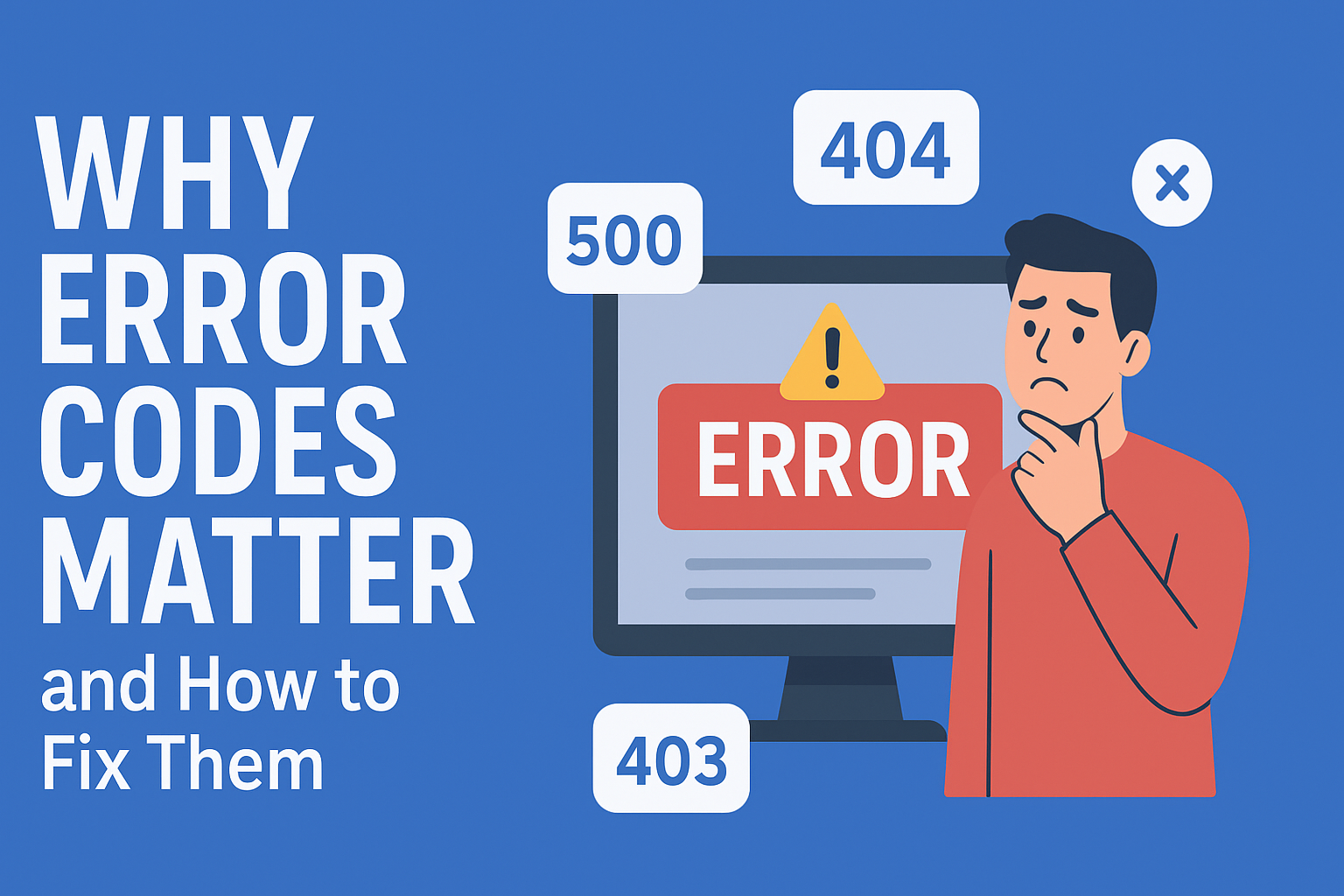
Running a website is exciting — until you encounter HTTP error codes like 404, 500, or 403. These codes indicate that something isn’t working correctly. Understanding them helps you fix problems quickly and prevent future issues.
In this guide, we’ll explain the most common HTTP error codes and how to resolve them effectively
Fixing the 404 Not Found Error
A 404 error appears when a page no longer exists or can’t be found. This usually happens because a link is broken, a page was deleted, or the URL was typed incorrectly.
How to fix a 404 error:
Check the URL for typos.
Restore or recreate the missing page.
Set up a 301 redirect to send visitors to the correct page.
Example image alt text: alt="404 Not Found error page example"
500 Internal Server Error
A 500 error means something went wrong on the server. It’s a general message that could be caused by a misconfigured file, a faulty plugin, or even temporary server overload.
How to fix:
- Review your server error logs.
- Disable recently added plugins or scripts.
- Check file permissions and the
.htaccessfile. - Restart your web server.
401 Unauthorized
This error shows up when login details are missing or wrong. It’s the server’s way of saying, “You need a password to get in.”
How to fix it:
- Double-check usernames and passwords.
- Make sure permissions are set up correctly.
403 Forbidden Error
The 403 error means the server understands your request but won’t allow access. It’s often caused by incorrect file permissions or security settings.
How to fix:
- Make sure files and folders have the correct permissions (e.g., 755 for folders, 644 for files).
- Check for issues in the
.htaccessfile. - Temporarily disable security plugins to test access.
401 Unauthorized
The 401 Unauthorized error appears when you try to access a page that requires login details — but they’re missing or incorrect.
How to fix:
- Double-check your username and password.
- Clear browser cookies and cache.
- Ensure the URL is correct and that you have permission to access it.
502 Bad Gateway & 504 Gateway Timeout
These two errors mean there’s a communication problem between servers. A 502 indicates an invalid response from another server, while a 504 means the connection took too long to respond.
How to fix:
- Refresh the page or try again later.
- Clear browser cache or try a different browser.
- Check for high server load or proxy misconfigurations.
Conclusion
In today’s fast-paced digital world, even a small website error can affect your business reputation and customer trust. It’s not just about fixing problems — it’s about preventing them before they happen.
At Nixtree Solutions LLP, we specialize in proactive server management and hosting support. Our team ensures your website stays secure, fast, and reliable through:
- 24/7 proactive monitoring and issue resolution
- Advanced server optimization and performance tuning
- Regular security audits and updates
- Expert technical support that explains everything in simple terms
Stay tuned for more insights and tips on optimizing your servers and strengthening your online presence.
Contact us to learn more about our proactive hosting and server management services.